
Your style. On iPhone and Chrome.
Stop returning clothes because they don’t fit.
Check the fit before you buy with Vinchy.
Backed by a database of hand-measured garments.
Shopping on your laptop? Meet Vinchy for Chrome.
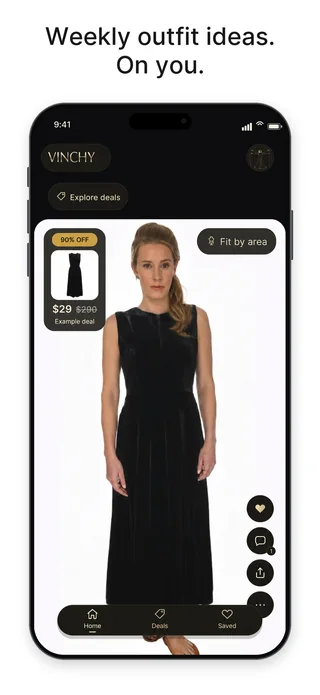
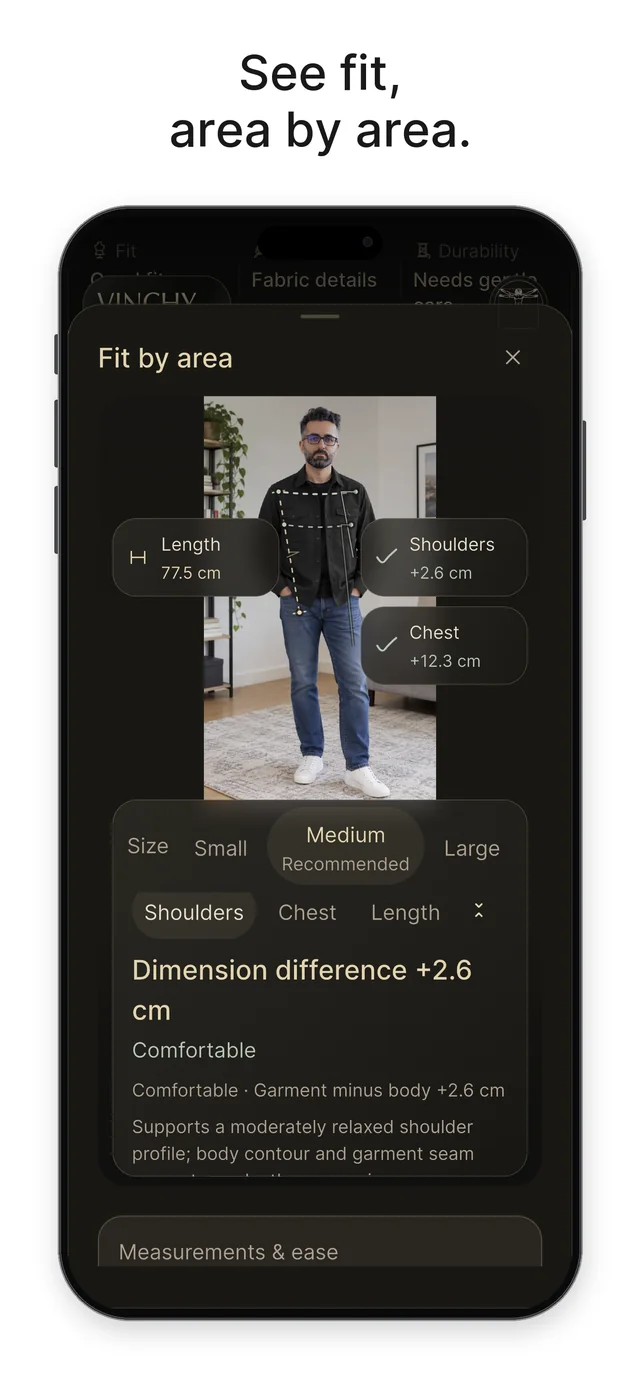
Vinchy for iPhone
From inspiration
to your next favorite.
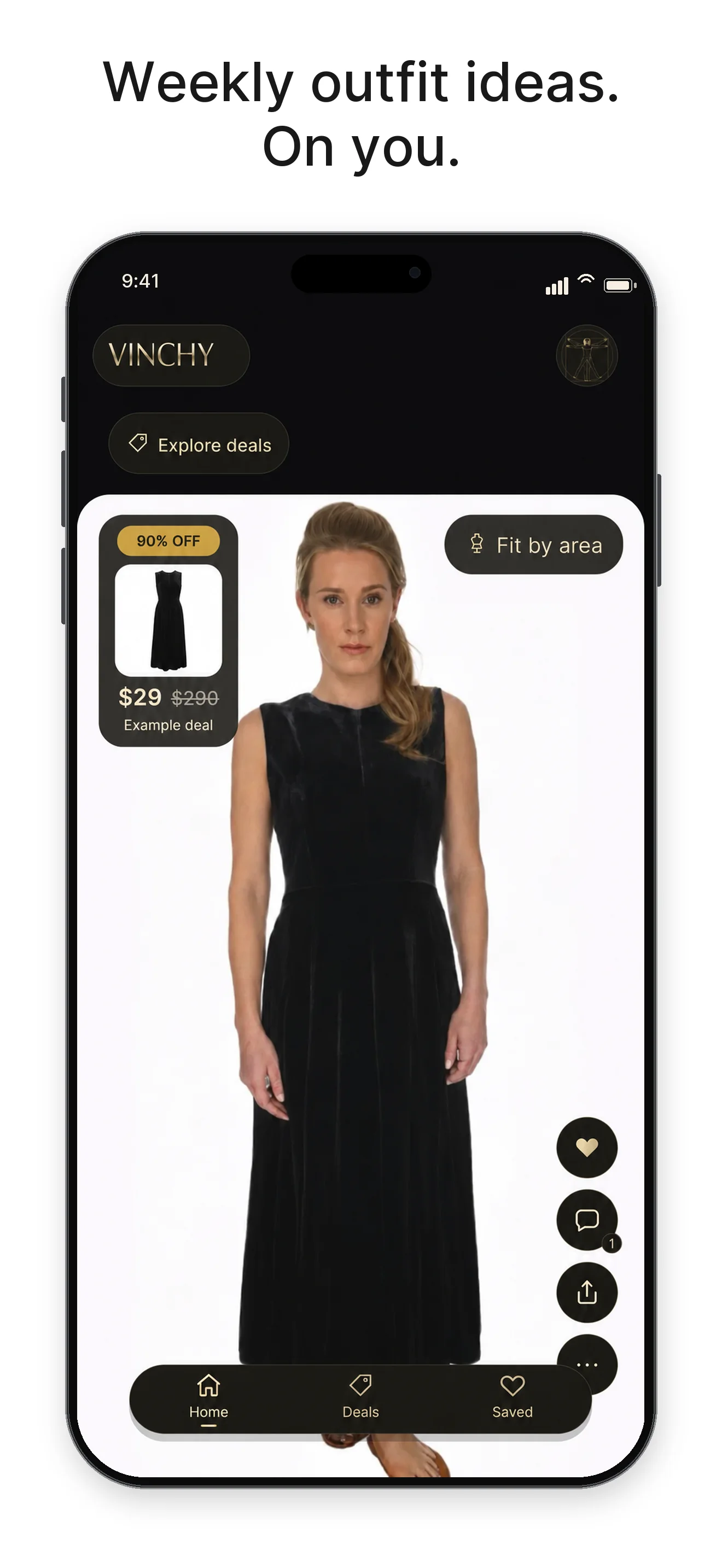
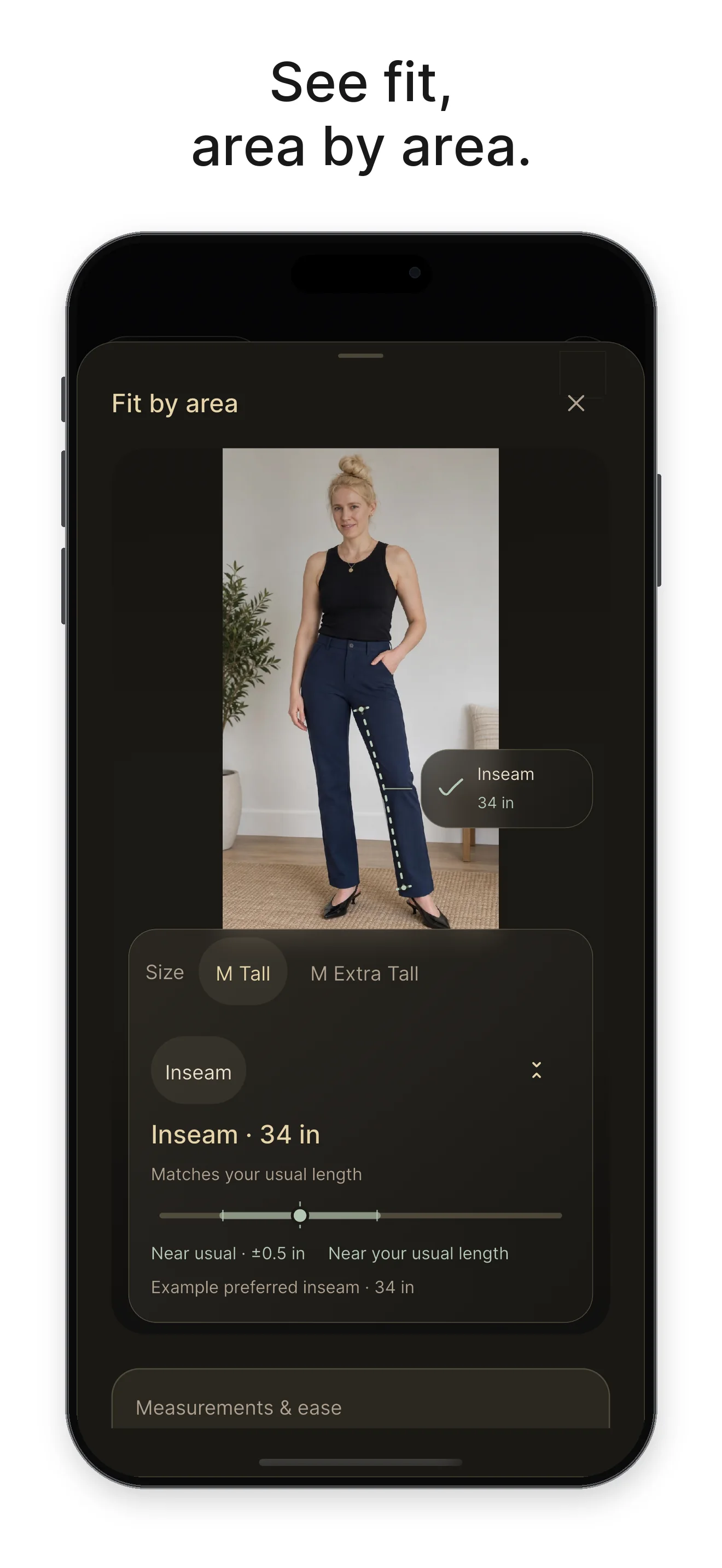
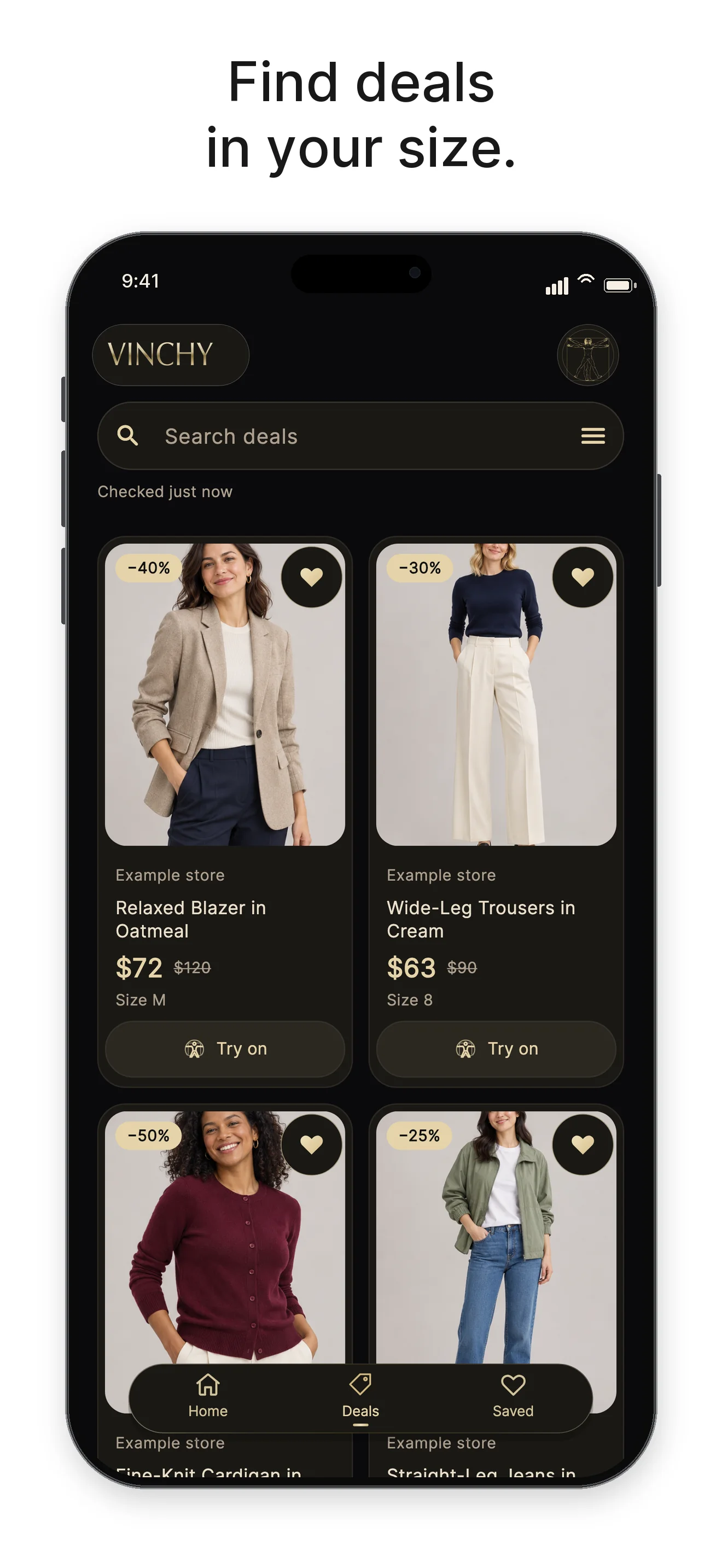
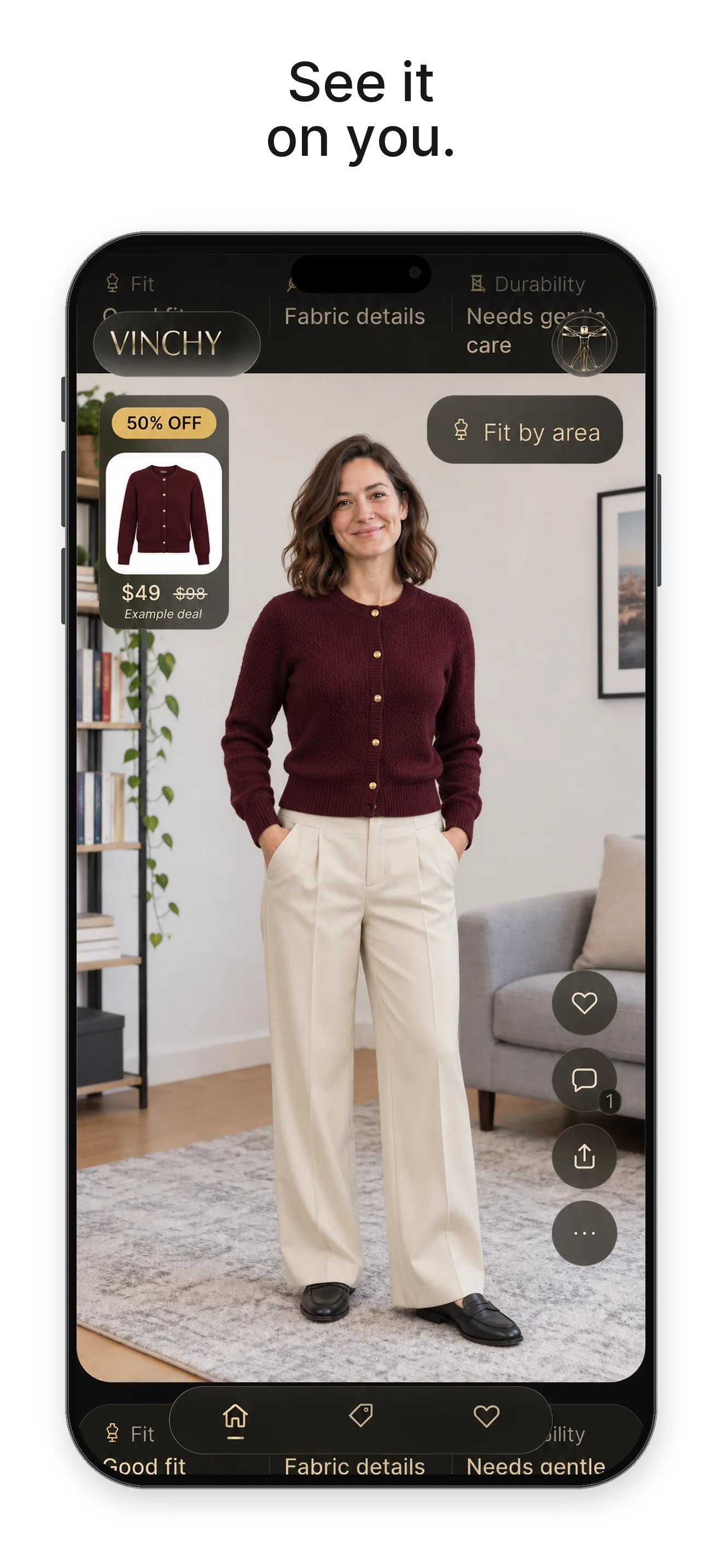
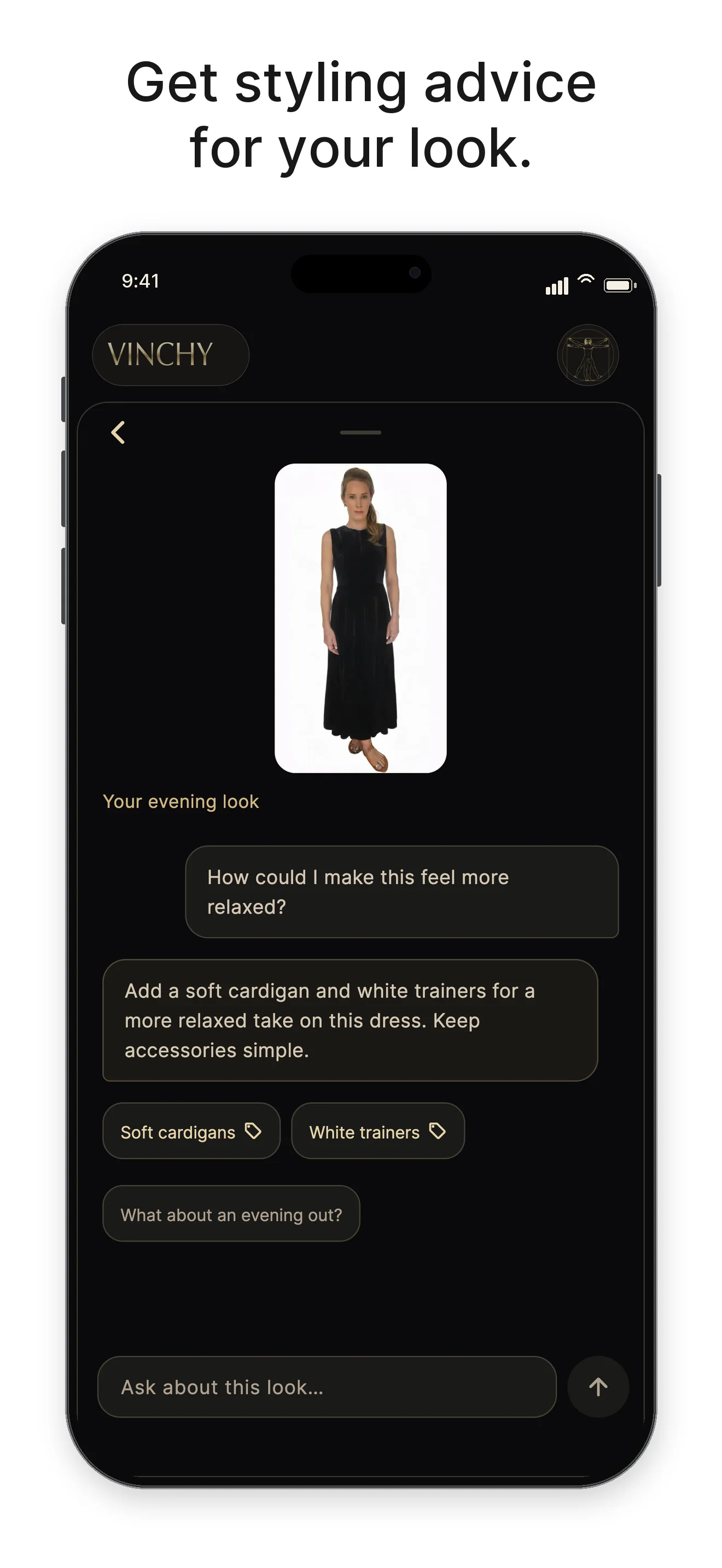
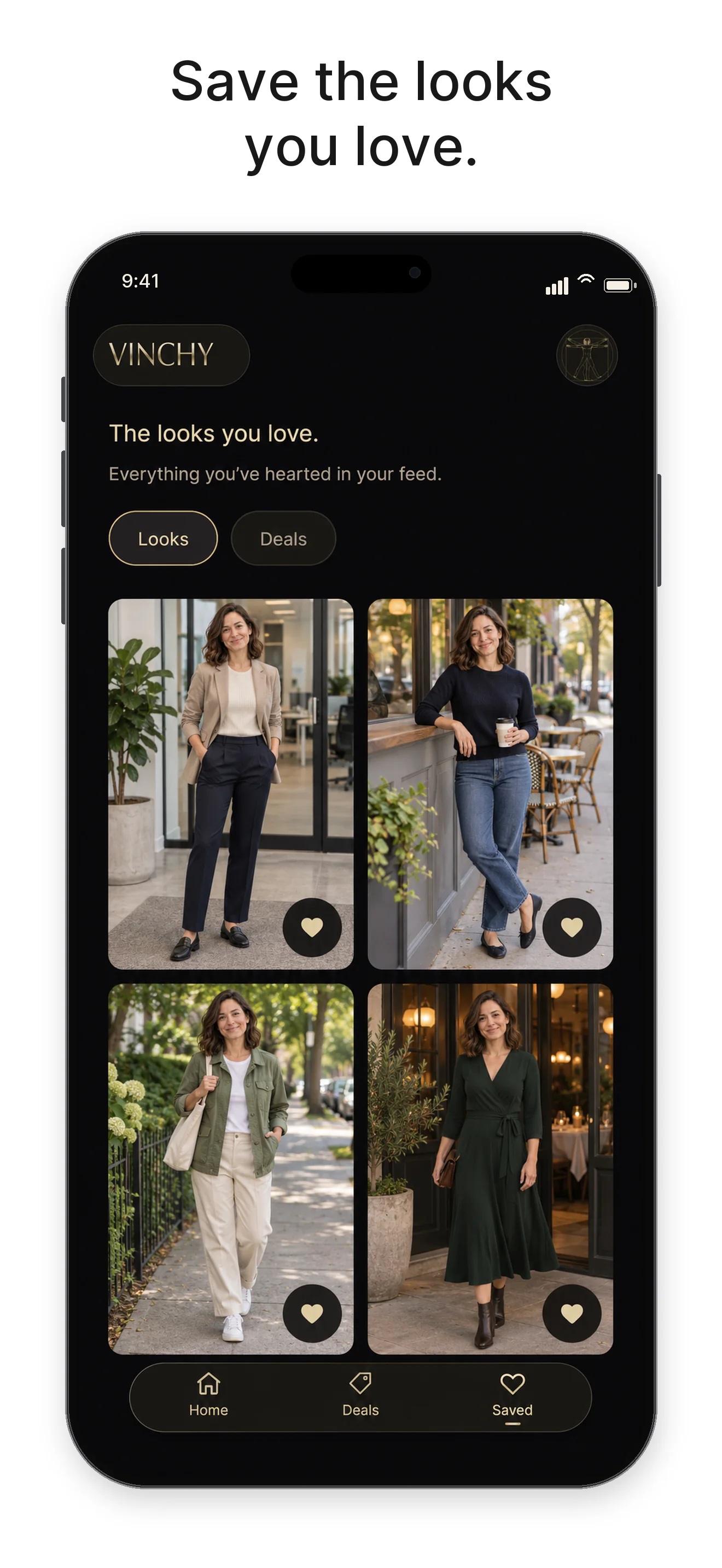
Launch previews. AI looks and example offers are illustrative; availability and app screens may vary.
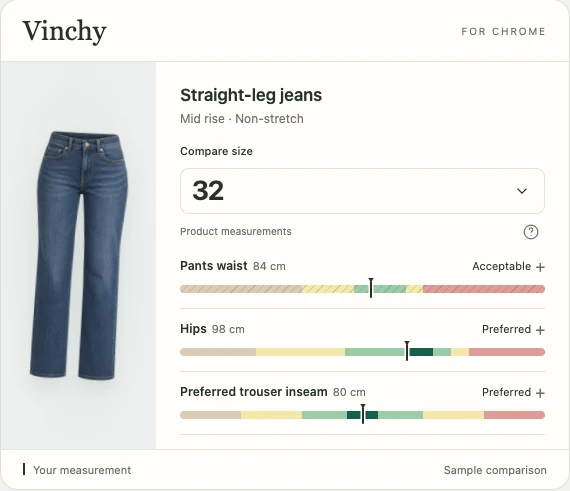
Vinchy Fit for Chrome
A closer look
at the fit.
Keep shopping where you love. Compare sizes and see where your measurements sit in a garment’s estimated fit ranges, right beside the page.
Connect with Google or Apple. Measurements are optional.
Explore ranges first, then add measurements as you go.
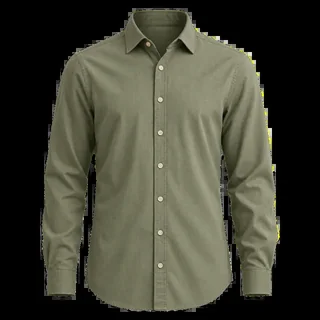
Everyday shirt
Regular fit · Product measurements
Sample garment and measurements. Estimated ranges, with details and limitations available in the extension.
A little more about Vinchy
Good questions.
Do I need to enter all my measurements?
Every measurement is optional. In Chrome, explore available fit ranges before measuring, then add just the areas that matter to you. Your saved Vinchy measurements come with your account. See the measurement guide.
Where does the Chrome extension work?
Vinchy works on supported clothing product pages. Available sizing information varies by store, garment and selected variant. See supported stores and the walkthrough.
Is a try-on preview the same as a fit check?
A try-on is an AI-generated visual preview. Fit ranges compare measurements and available garment information. Both can help you explore, but neither guarantees how clothing will fit or feel. Read about fit comparisons.
What happens to the information I share?
You choose the measurements and photos you add. Sign-in connects your own Vinchy account. Optional feedback and Ask AI sharing are explained in the extension privacy notice; the Vinchy privacy policy covers the app and account.
Your next find is out there.
Find inspiration on your phone. Bring a little more context to the clothes you’re browsing.